You Can’t Govern What You Can’t See: The Three-State Model
Every integration inventory is a list of the integrations someone remembered to register. The dangerous ones are the ones nobody registered including Azure Functions that exist only as code in a repository and were never formally deployed. Governance starts with discovery, not documentation.
The integration nobody remembers
Two years ago someone built a Logic App to push order data to a partner. It worked. They moved on. It still runs every day, still moving customer data to a third party, and nobody owns it, documents it or reviews it.
Every organisation has these. They’re not the result of bad engineers they’re the result of integrations being easy to create and easy to forget. And AI coding assistants have made them easier to create than ever, which means the rate at which unregistered integrations enter your estate is accelerating.
You find out about them when an auditor asks, when a partner is breached, or when a data subject request lands and you can’t say where the data went.
Why manual inventories always drift
A spreadsheet of integrations is accurate exactly once: the day it’s written. It has no mechanism for noticing what it’s missing, because it only contains what someone chose to put in it. There is no feedback loop between reality and the document.
That’s the core flaw. An inventory that can’t detect its own gaps isn’t an inventory it’s a snapshot of what one person knew on one day.
The three-state model
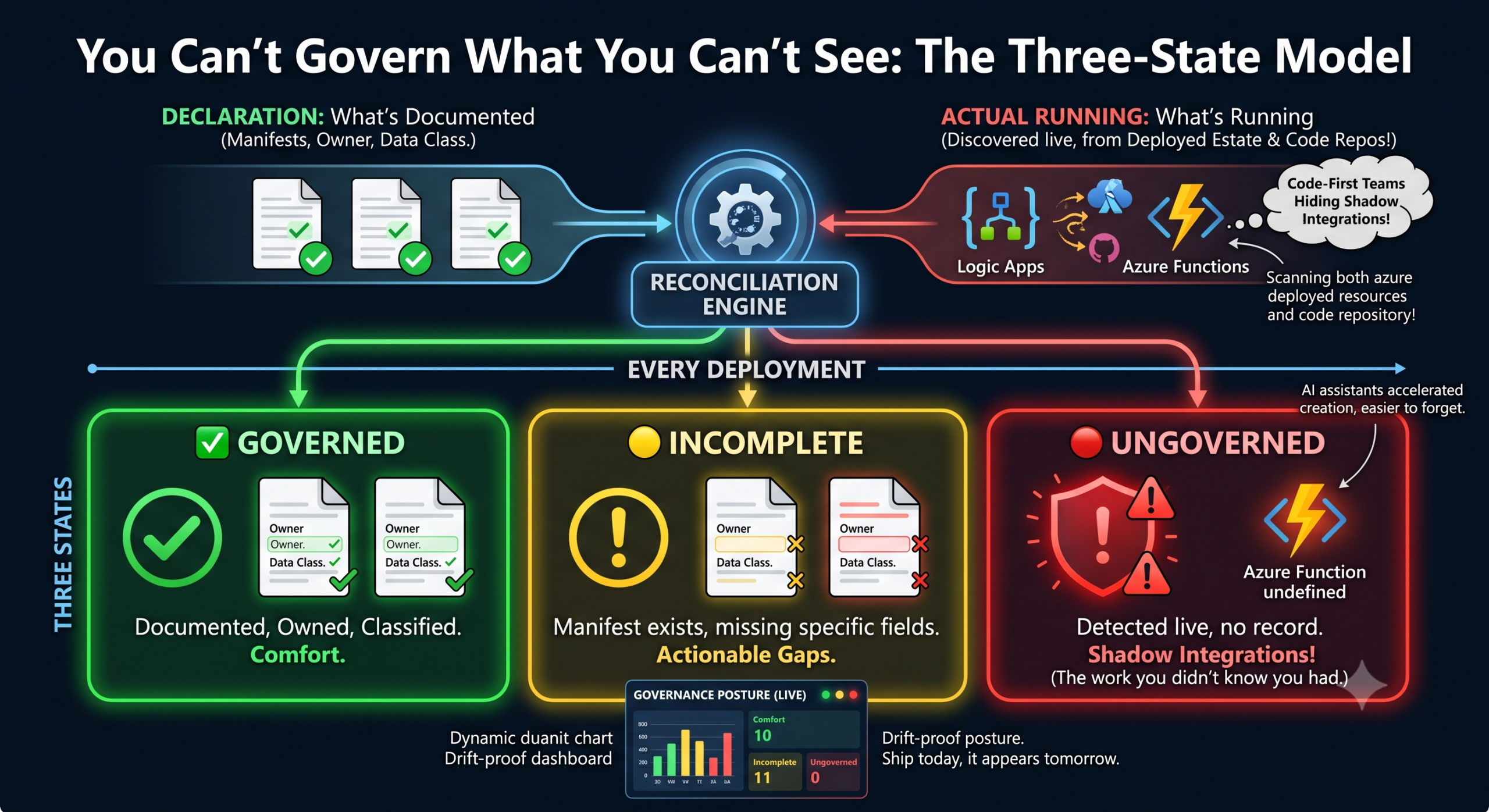
The fix is to stop treating documentation as a list and start treating it as a reconciliation between what’s declared and what’s actually running. Compare the two on every deployment, and every integration falls into one of three states:
✅ Governed — a manifest exists, with an owner and a data classification. Documented, owned, classified.
🟡 Incomplete — a manifest exists, but it’s missing an owner or a classification. The exact missing field is flagged wherever it appears, so it’s actionable rather than vague.
🔴 Ungoverned — something is running with no record at all. Detected live, flagged red, with a page telling the developer exactly what to add.
The third state is the one that matters. It’s the difference between a list that tells you what you know and a system that tells you what you don’t.
Discovery has to include code, not just deployments
Most tools that auto-discover Azure look at deployed resources. That misses a whole category: Azure Functions that exist only as source in a repository and were never deployed through a governed path. In code-first teams, that’s the most likely hiding place for a shadow integration.
So discovery should scan both — the deployed estate and the repositories and reconcile everything found against what’s been declared.
The obvious objection is noise. If you flag every Function in every repo, you’ll drown in false positives from housekeeping jobs and utility classes. The answer is confidence scoring: analyse each Function’s trigger and output pattern, flag the ones that genuinely look like integrations (external outputs, queue and event triggers), and silently skip timer jobs with no outward calls. Precision matters more than recall here — a governance tool that cries wolf gets ignored.
Governance posture, not a document
Once every integration has a state, you have something more useful than documentation: a posture you can read at a glance. How many integrations exist. How many are fully governed. Which ones touch Restricted or Confidential data. Which have no owner. What’s newly ungoverned since last month.
Green is comfort. Red is the work you didn’t know you had.
And because it regenerates on every deployment, it can’t drift. Ship a new integration today without a manifest and it appears red tomorrow — not at the next annual review.
Where this fits
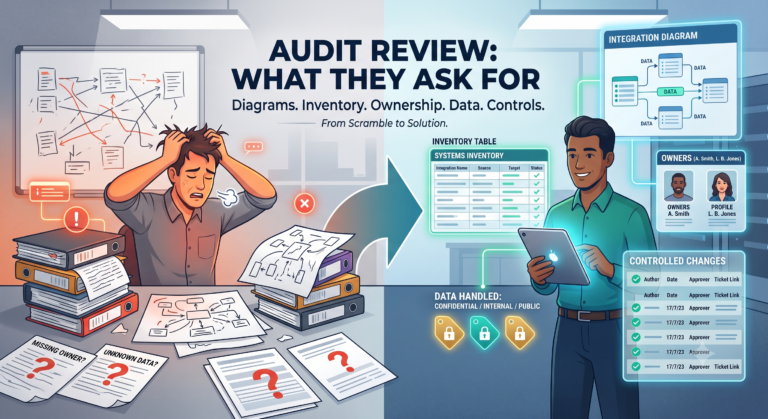
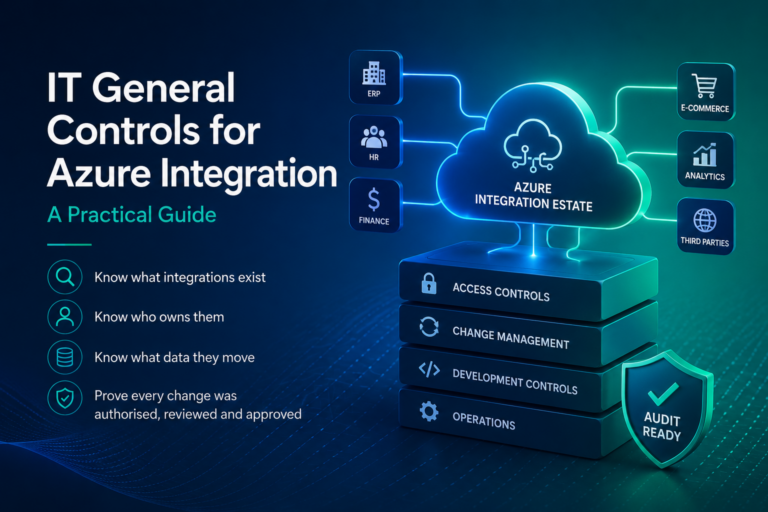
Discovery is the foundation everything else stands on. You can’t classify data in an integration you don’t know about, can’t assign an owner to it, and can’t produce audit evidence for it. That’s why I treat it as step one of IT general controls for Azure integration and why “an inventory of integrations” is the second thing on every auditor’s list.
How would your team find out about an integration nobody registered? If the honest answer is “we wouldn’t,” you’re in the same position most estates are. Book a demo I’d like to hear how you’d handle it.